A quieter, private internet in your pocket
Auralink wraps your iPhone’s traffic in an encrypted tunnel and keeps a handful of practical privacy tools one tap away.
- WireGuard
- VPN protocol
- AES-256
- encryption
- 3 days
- free trial for new subscribers
Four tools, one calm app
No dashboards full of jargon. Each part of Auralink does a single job and explains the result in plain words.
-
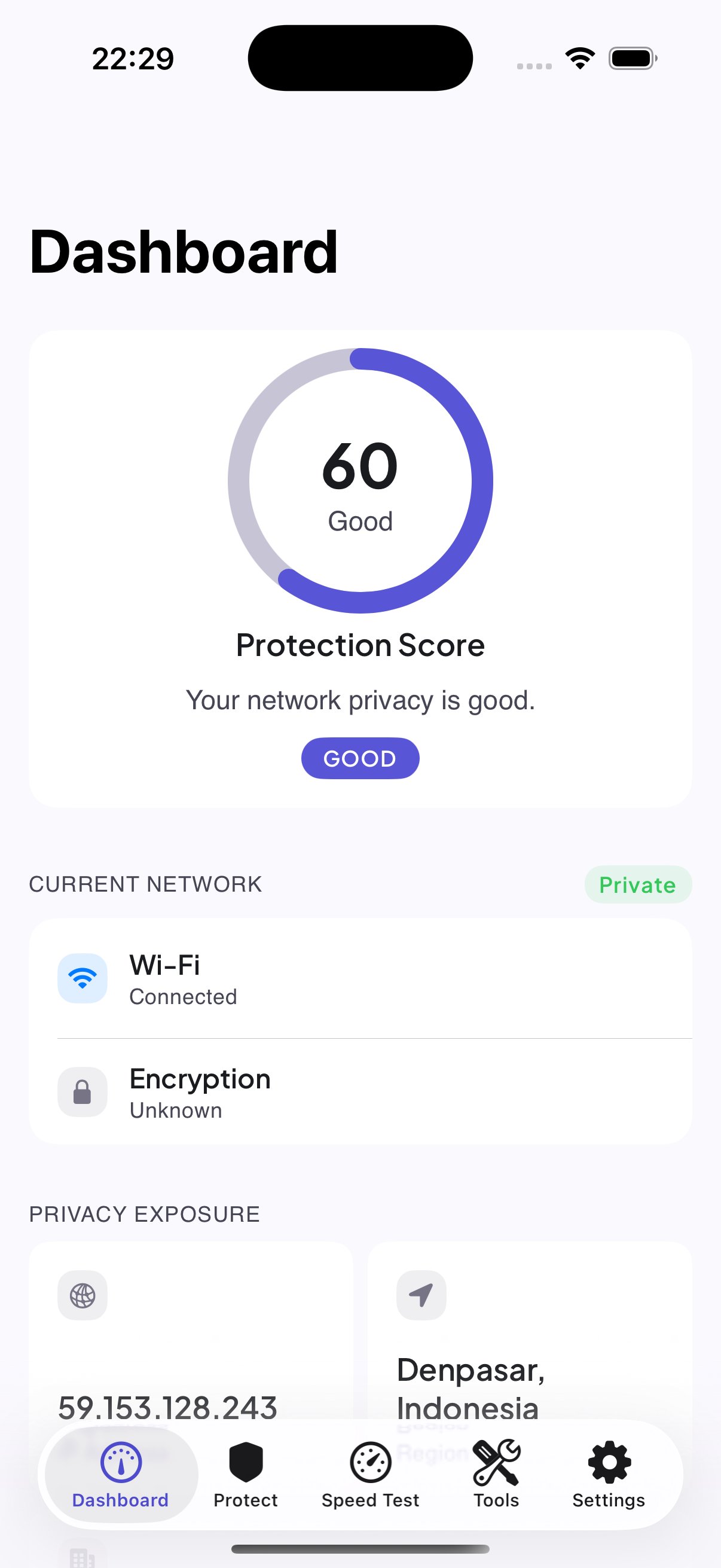
Dashboard
See the state of your connection at a glance and switch the encrypted tunnel on or off with one tap.
-
Speed check
Run a quick speed test to see how your connection is performing right now.
-
Network tools
A small drawer of network utilities and connection-management helpers, kept in one place.
-
Password maker
Generate random passwords inside the app, then copy them straight into your sign-up form.
A look inside the app
Real screens from Auralink on iPhone.
-
DashboardConnection state and one-tap switch -
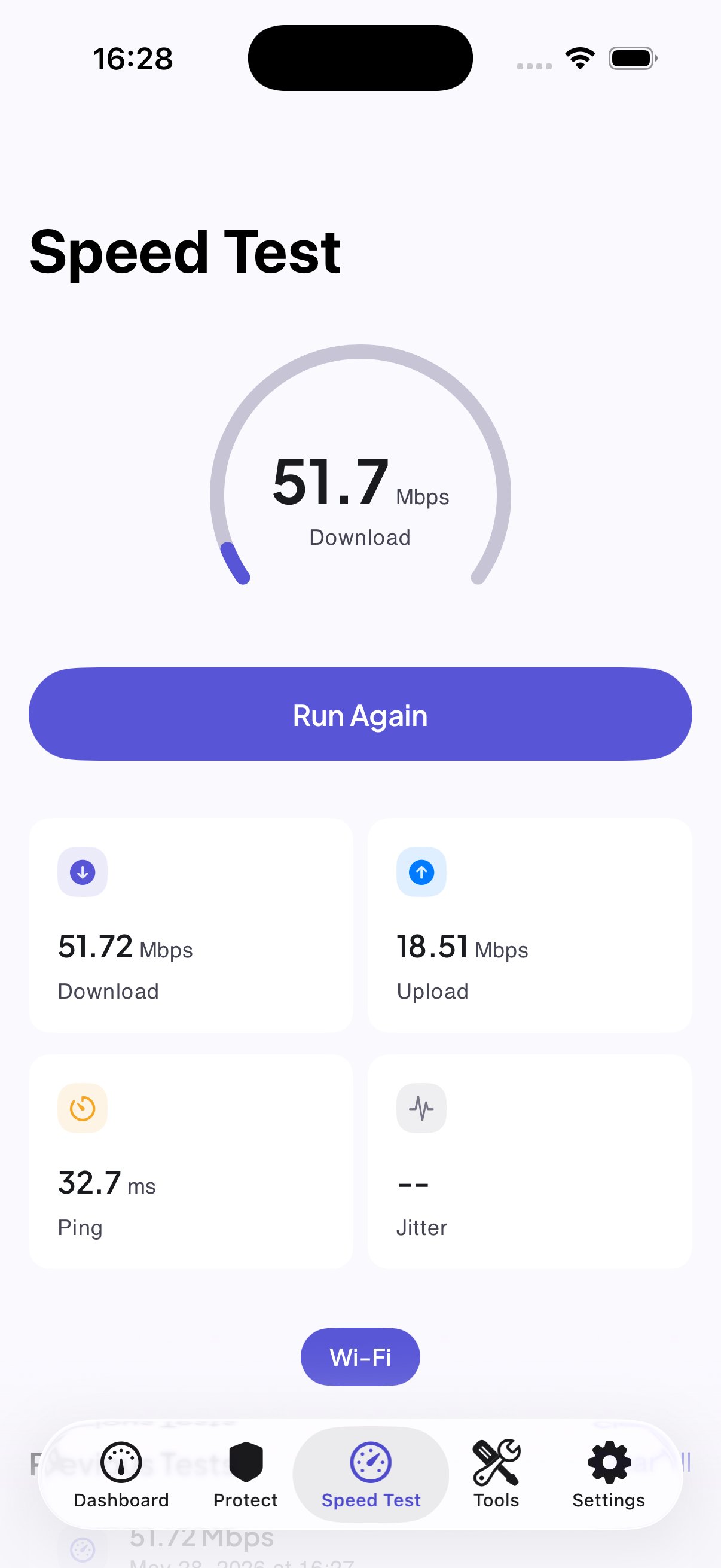
Speed checkSee how the connection performs -
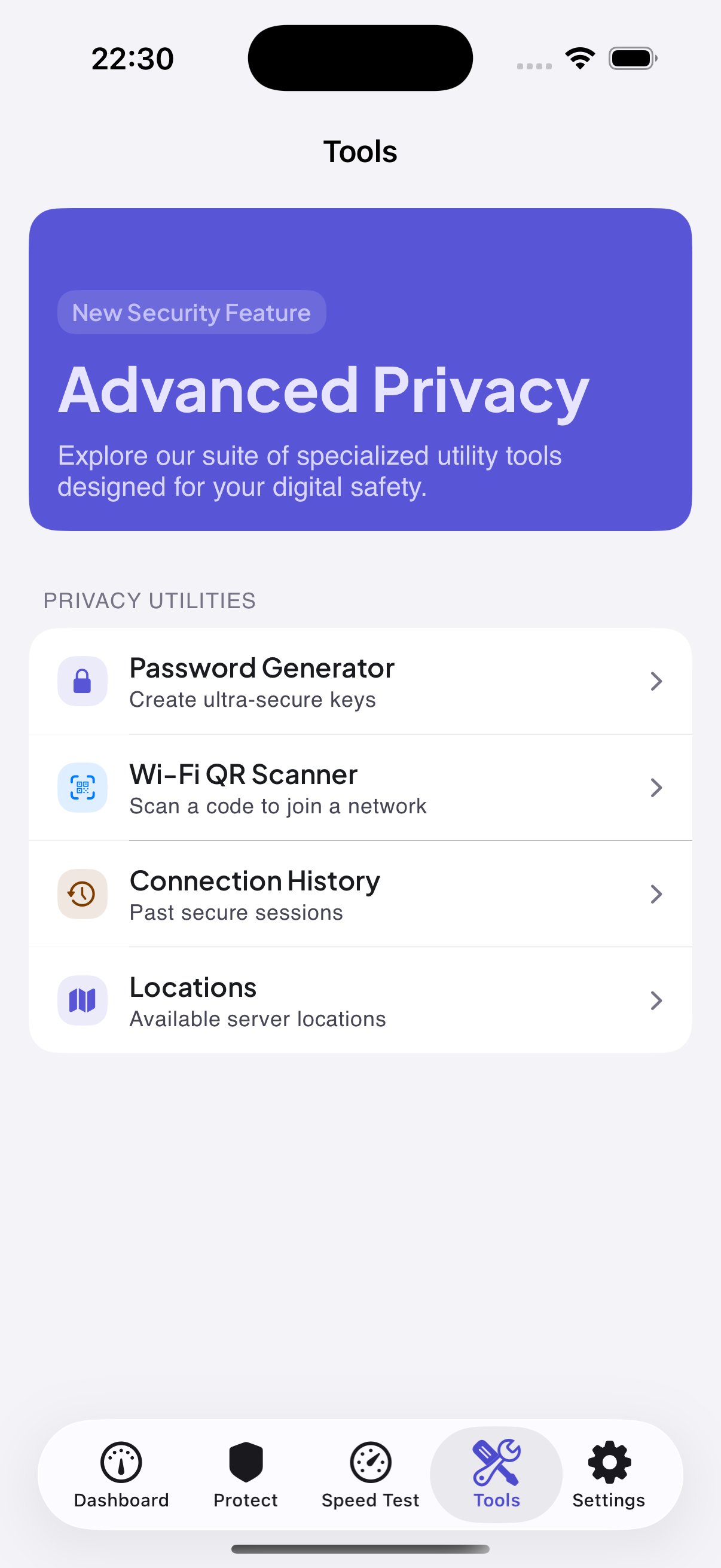
Network toolsUtilities kept in one place -
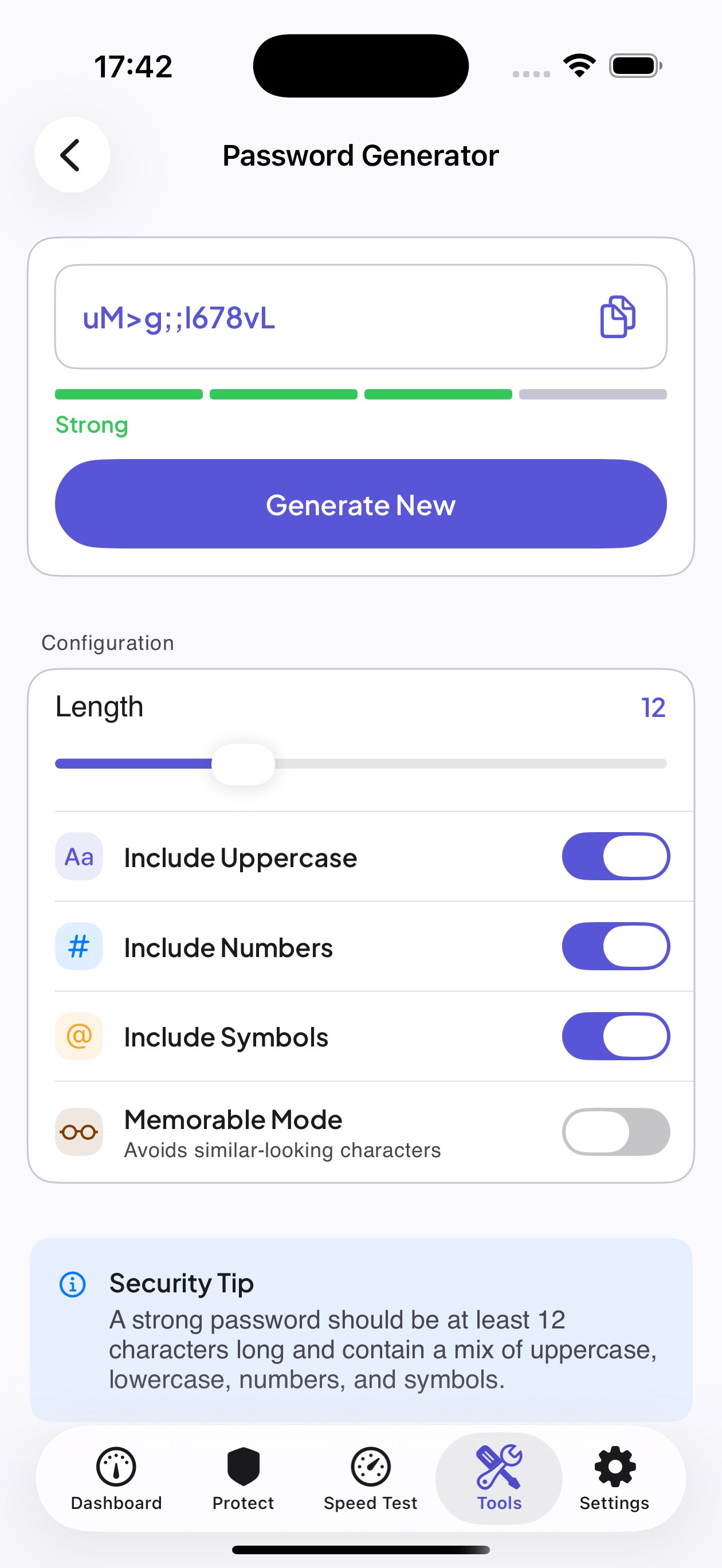
Password makerRandom passwords, ready to copy
From install to protected in a minute
Install
Get Auralink from the App Store on your iPhone.
Sign in
Create an account or log in.
Connect
Tap the connect button — the app connects you to the fastest available server.
Verify
Run a quick speed check to see how the connection performs.
Short answers
More detail lives in the help pages.
Does Auralink keep a record of the sites I open?
No. The contents of traffic carried through the secure connection — visited pages, communications, transferred files — are not logged. The Privacy Policy lists the limited technical data the app does handle.
How much does it cost?
New subscribers get a 3-day free trial. Plans are weekly, monthly, six-month and yearly; the full price list is on the help page.
Is it worth using on hotel or airport Wi-Fi?
That is one of the best use cases. Auralink encrypts your traffic, which helps protect it on public networks in cafés, airports and hotels.
How do I stop my subscription?
Billing runs through Apple, so you cancel in iPhone Settings → your name → Subscriptions. Do it at least 24 hours before the next renewal.